Visit Japan Web: How to Register, Get Your Entry QR Code, Add Family Members, and What to Do Without It
Visit Japan Web is the Japanese government's free website for your arrival paperwork. Instead of filling in the paper entry card and customs form on the plane, you enter the same information online before you fly and show one QR code at the airport. It is run by Japan's Digital Agency, and it costs nothing. This guide walks through registration step by step, explains what happens with the QR code at the airport, how to add family members, when to finish it, and what to do if you would rather use paper.
If you are not comfortable with forms on a phone, that is fine: the paper forms still work. Visit Japan Web is recommended, not required.
- It is free. The official address is https://www.vjw.digital.go.jp. Never pay a site that offers to make your QR code.
- One QR code covers both immigration (the entry record) and customs.
- Finish it before you reach the immigration hall. Doing it at home before the flight is easiest.
- Family members traveling with you can be added to one account, but each person shows their own QR code at immigration.
What you need before you start
- An email address. You need one to create an account, and you can't make two accounts with the same address at the same time.
- Your passport. You can scan it with the phone's camera or type the details yourself.
- Your flight and your first place to stay in Japan (hotel name and address).
- A phone or tablet to show the QR code. You can fill everything in on a computer, but at the airport the code must be shown on a smartphone or tablet. The Digital Agency recommends the latest Safari or Google Chrome on iPhone, and Google Chrome on Android and computers.
The site works in Japanese, English, Simplified Chinese, Traditional Chinese, Korean, Vietnamese, Thai, German and French. It is a website, so there is no app to install. Type the address yourself, https://www.vjw.digital.go.jp, or follow a link from an official site. Japan Customs and the Digital Agency have warned about fake sites that charge a "processing fee"; see fake official sites.
Step by step
- Create an account with your email address and a password. Setting up multi-factor authentication (a code from an authenticator app) is optional; if you turn it on, you will need that app every time you log in, so don't delete it.
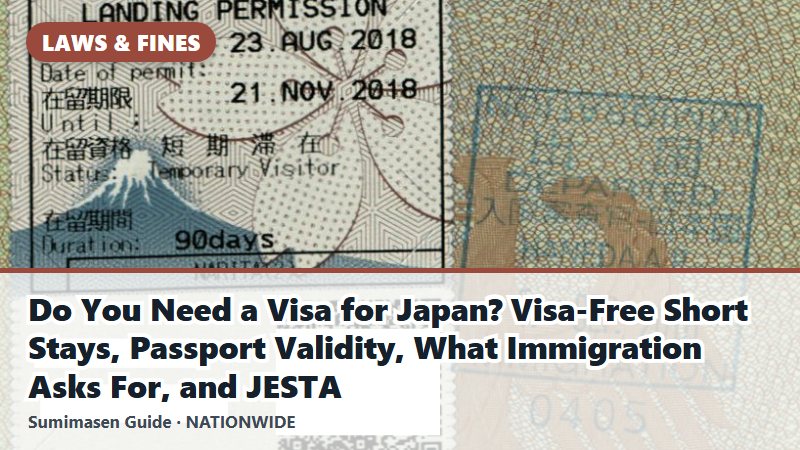
- Register yourself. Choose your entry category and register your passport. If your passport expires in less than six months, the site shows a warning; Japan's rule is that the passport must be valid for your whole stay (see do you need a visa for Japan). The "basic information" fields are optional. The "contact information in Japan" field in this step is not for foreign visitors; you give your place of stay in the next step.
- Register your trip: your arrival date, flight and where you will stay. If you applied for a Japanese visa online, you can pull in your visa details with the visa issue number.
- Fill in "Immigration clearance and Customs declaration." This is the online version of the entry record (ED card) and the customs declaration. For a short-term stay, enter 90 days or fewer as your length of stay; the Immigration Services Agency says this number is often entered wrongly. There is also a short health questionnaire from the quarantine station; it gives advice based on your answers, and the answers are not saved.
- Show the QR code at the airport. Open it from the procedure page and agree to the notes to display it.
At the airport: where the QR code is used
Since January 25, 2024, one QR code covers both immigration and customs. Here is where you use it:
- Immigration: show the QR code and your passport at the immigration counter. At some terminals of Narita Airport, Haneda Airport, Kansai International Airport and Fukuoka Airport there are shared kiosks: you scan the QR code and your IC passport (a passport with a chip), and the kiosk takes your passport details, face photo and fingerprints for immigration and customs in one go. You then finish at a booth for kiosk users. Opening hours vary by terminal.
- Customs: at seven airports (New Chitose Airport, Narita Airport, Haneda Airport, Chubu Centrair International Airport, Kansai International Airport, Fukuoka Airport and Naha Airport), hold your IC passport and the QR code over an electronic declaration terminal, which also takes a face photo to check your identity. Depending on your answers, it sends you to the electronic gate (e-Gate) or to a customs desk. Your bags may still be checked. At Haneda Airport, Fukuoka Airport and Naha Airport you can use the terminal while you wait for your bags. At other customs desks with a terminal, you show the QR code there.
When to register, and using it offline
- When: the Immigration Services Agency asks travelers to finish the entry record before they reach the immigration hall. The easiest time is at home, the night before you fly, while you have Wi-Fi; see our trip checklist.
- Offline: the Digital Agency says the entry QR code works without an internet connection if you logged in while online and stayed logged in. You do need a connection to change family members' details. Free Wi-Fi is available at airports, or see eSIM or pocket Wi-Fi.
- Screenshots: the Immigration Services Agency says a screenshot of the entry QR code can be used, but if you change anything you must make a new QR code. (The separate tax-free QR code can't be used as a screenshot.)
- Your data: the account and its data are deleted one and a half years after your last login.
Traveling as a family
In principle each person needs their own account. But family members who go through immigration with you at the same time can be added as "family members traveling with you" in one account, up to 10 people. Register the details one person at a time. At immigration, each person shows their own QR code. For customs, the person who made the account can choose to declare for the accompanying family members at the same time, and then doesn't need to fill in a separate customs declaration for each of them.
Without Visit Japan Web: the paper forms
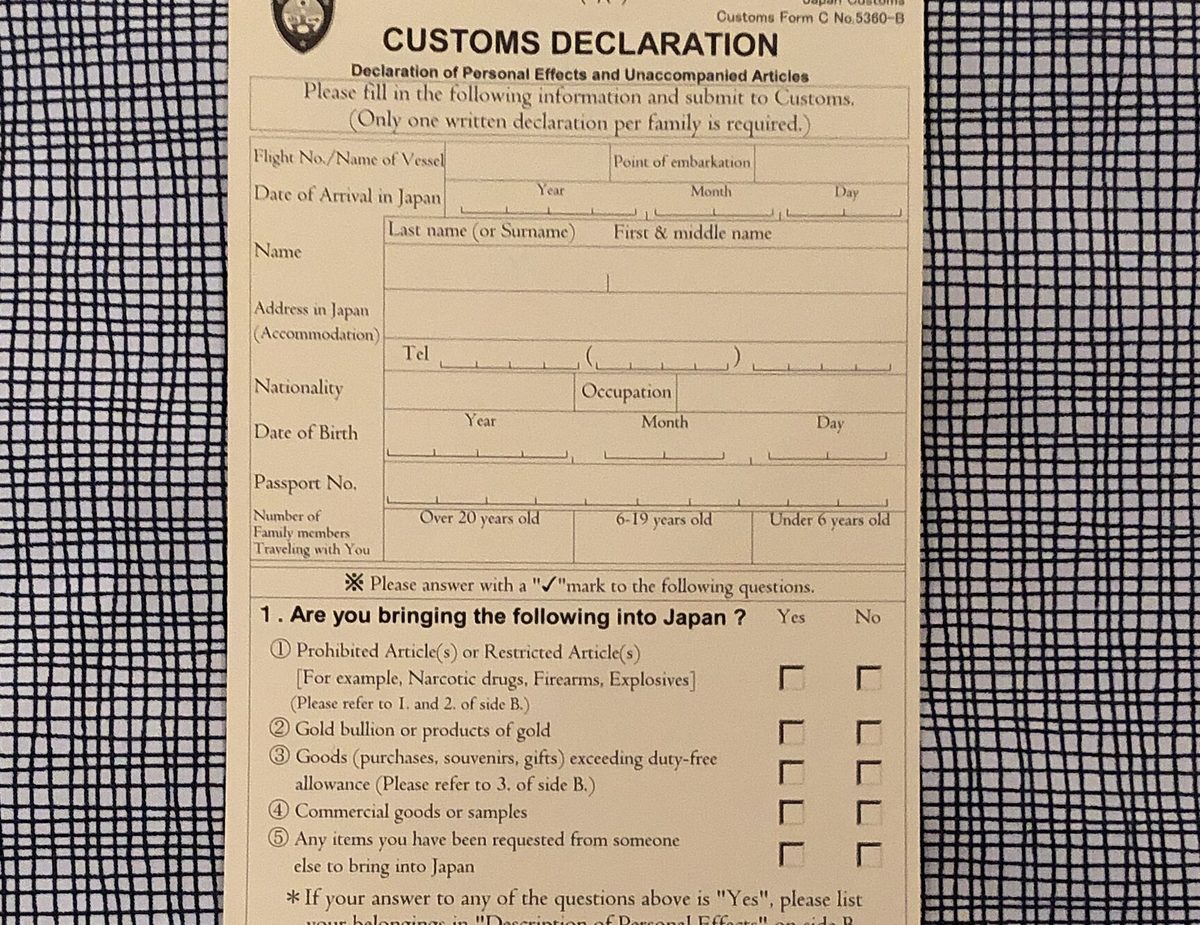
You can still arrive with paper forms. The Immigration Services Agency says that if you are not used to doing this on a smartphone, you should hand in the paper entry record (ED card). It comes in three versions with Japanese and English plus Traditional Chinese, Simplified Chinese or Korean, and you fill it in in English or Japanese. The paper customs declaration is handed out on the plane or ship and is also available at customs, and Japan Customs offers it as a PDF you can print on A4 paper in advance.
Either way, every foreign visitor submits an entry record and a customs declaration. The only difference is whether you do it online or on paper.
Visit Japan Web for tax-free shopping
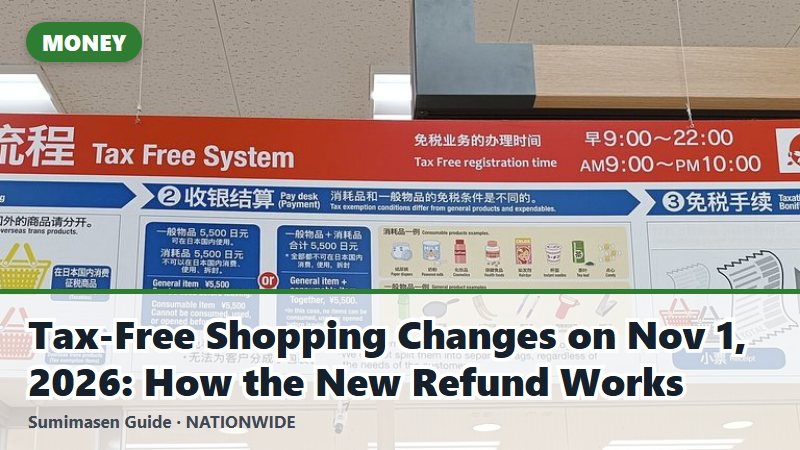
Foreign visitors with the status "Temporary Visitor" can also make a tax-free QR code in Visit Japan Web to show at shops that accept it, instead of showing the passport details there. You make it by scanning the landing permission sticker that immigration puts in your passport. It doesn't replace your passport, which you still need to carry. The tax-free system changes on November 1, 2026; see how the new tax-free refund works.
That's all there is to it: one account, one form, one QR code. If you are still checking whether you need a visa, start with do you need a visa for Japan, and keep the passport itself with you once you land (see carrying your passport in Japan).
Last reviewed: October 23, 2026. The site and airport procedures change. Please check the official pages below before you travel.
Official sources (checked October 2026)
- Digital Agency: Visit Japan Web (English)
- Digital Agency: How to use Visit Japan Web (English)
- Visit Japan Web: Frequently Asked Questions (English)
- Visit Japan Web: Instruction Manual, version 3.16 (English)
- Digital Agency: Unified 2D codes for immigration clearance and customs declarations (January 25, 2024)
- Immigration Services Agency: the entry record (ED card) and Visit Japan Web (Japanese)
- Immigration Services Agency: shared kiosks for immigration and customs (Japanese)
- Japan Customs: Declaration of Accompanied Articles and Unaccompanied Articles (English)
- Japan Customs: Electronic customs declaration gates at 7 international airports (English)
- Japan Customs: Procedures of passenger clearance (English)